


For: HV staff adding a new Family Support Specialist (FSS), Supervisor, or Administrative Support person (a "Program Contact") so they get onboarding emails and Delaware Family Support Hub access
Category: Contact Management
This is not about adding a general contact to HubSpot. It's how you bring a new FSS or Supervisor into the program: one form starts their welcome emails, their training sequence, and their Hub account.
What happens when you submit the form
- Their contact is created or updated
- They're marked as an active Home Visiting Program Contact with role Family Support Specialist
- They get Email 1 of the onboarding and LMS training sequence
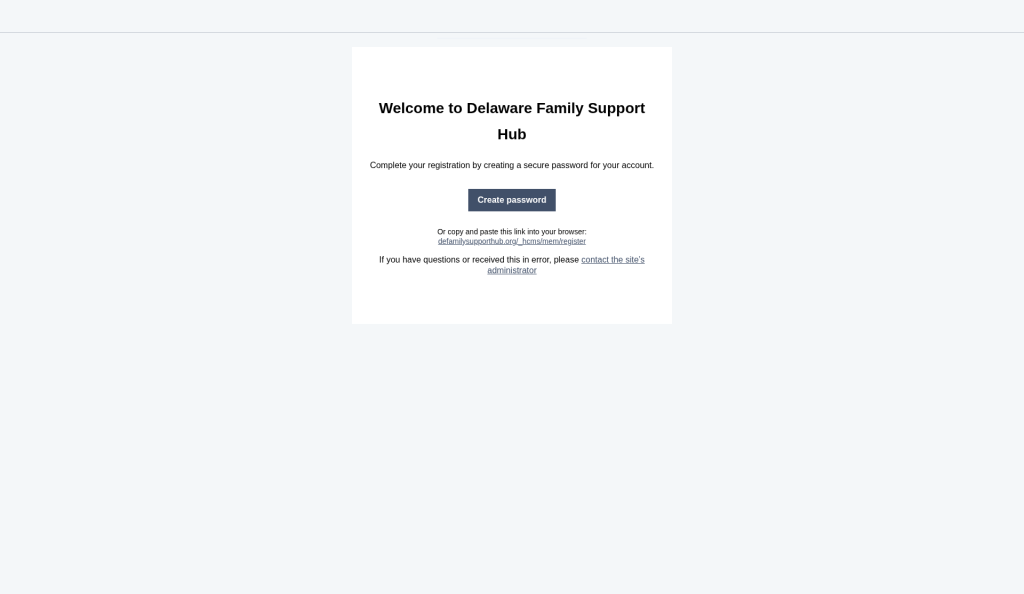
- They get the Delaware Family Support Hub registration email to set their password (you don't send a separate Hub invite)
Supervisors and Administrative Support: use the same form, then change their Contact Role by hand so they get Supervisor access in the Hub.
What you do
New Family Support Specialist
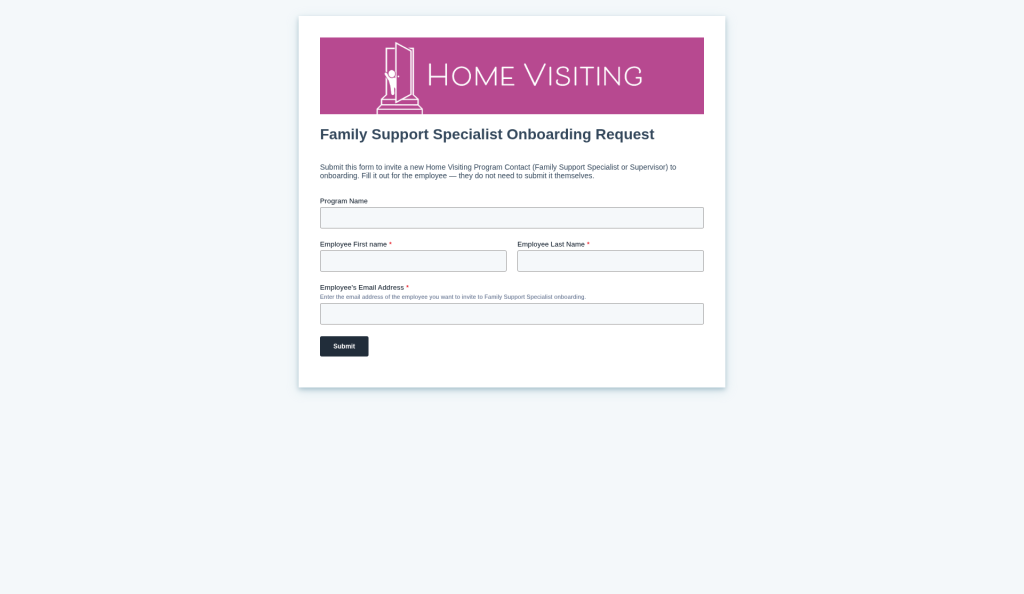
- Open the invitation form: https://share.hsforms.com/1KFyuYXZyR_2jpqTAgpIG9Acwfls
- Fill it out for them and submit
- Confirm they get Email 1 and the Hub registration email
New Supervisor or Administrative Support
- Same form: submit for them
- Open their contact in HubSpot
- Change Contact Role from Family Support Specialist to Supervisor or Administrative Support and save
- Confirm Hub registration email arrived
The form workflow always sets Contact Role to Family Support Specialist first. Changing the role is what moves them into the Supervisor Hub access group.
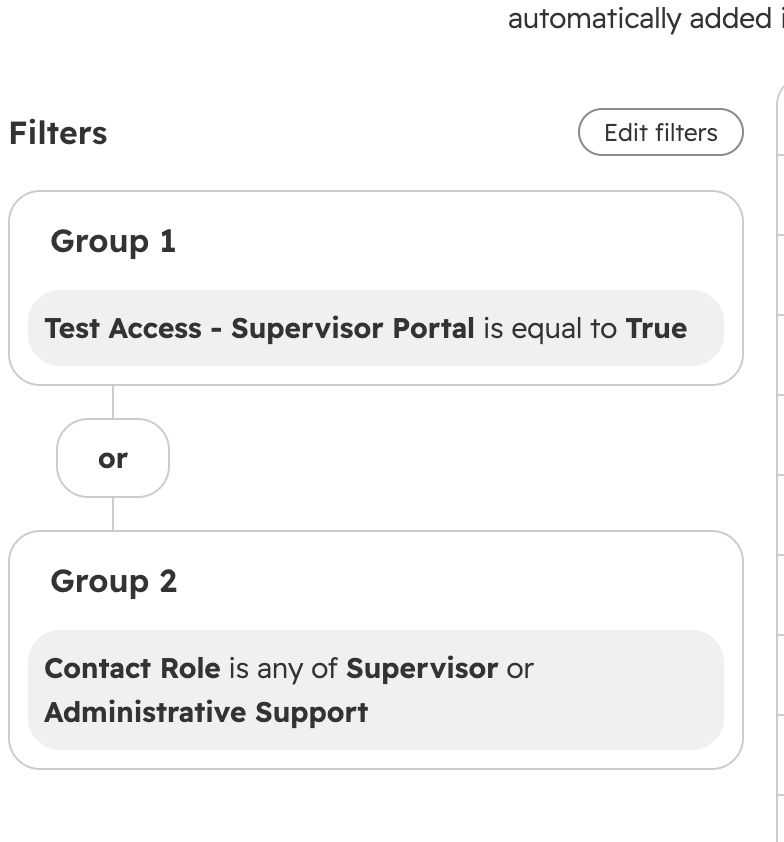
Supervisor access group includes contacts where Contact Role is Supervisor or Administrative Support, or Test Access - Supervisor Portal is True.
Invitation form
https://share.hsforms.com/1KFyuYXZyR_2jpqTAgpIG9Acwfls
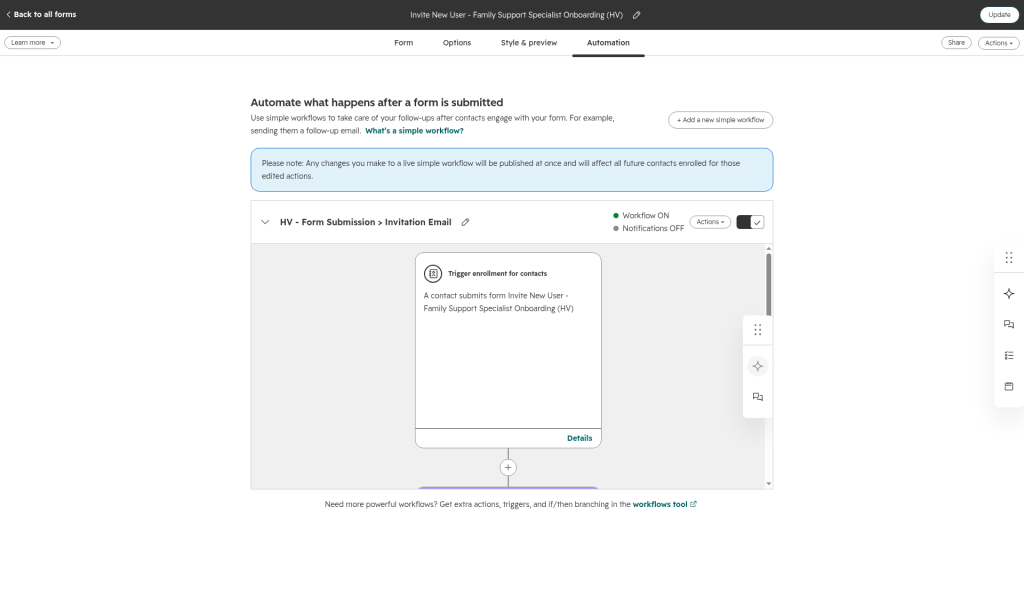
What runs automatically
Workflow HV - Form Submission > Invitation Email (on this form):
- Sends Email 1
- Sets Employment Status = Active
- Sets Contact Type = Home Visiting Program Contact
- Sets Contact Role = Family Support Specialist
Form automation: https://app.hubspot.com/forms/21668608/editor/285cae61-7672-47fd-a3a6-a4c0829206f4/edit/automation
They also get the default Delaware Family Support Hub registration email (membership) with a Create password button. No separate Hub invite from you.
Emails they receive
Hub membership (registration)
Welcome to Delaware Family Support Hub: create a secure password.
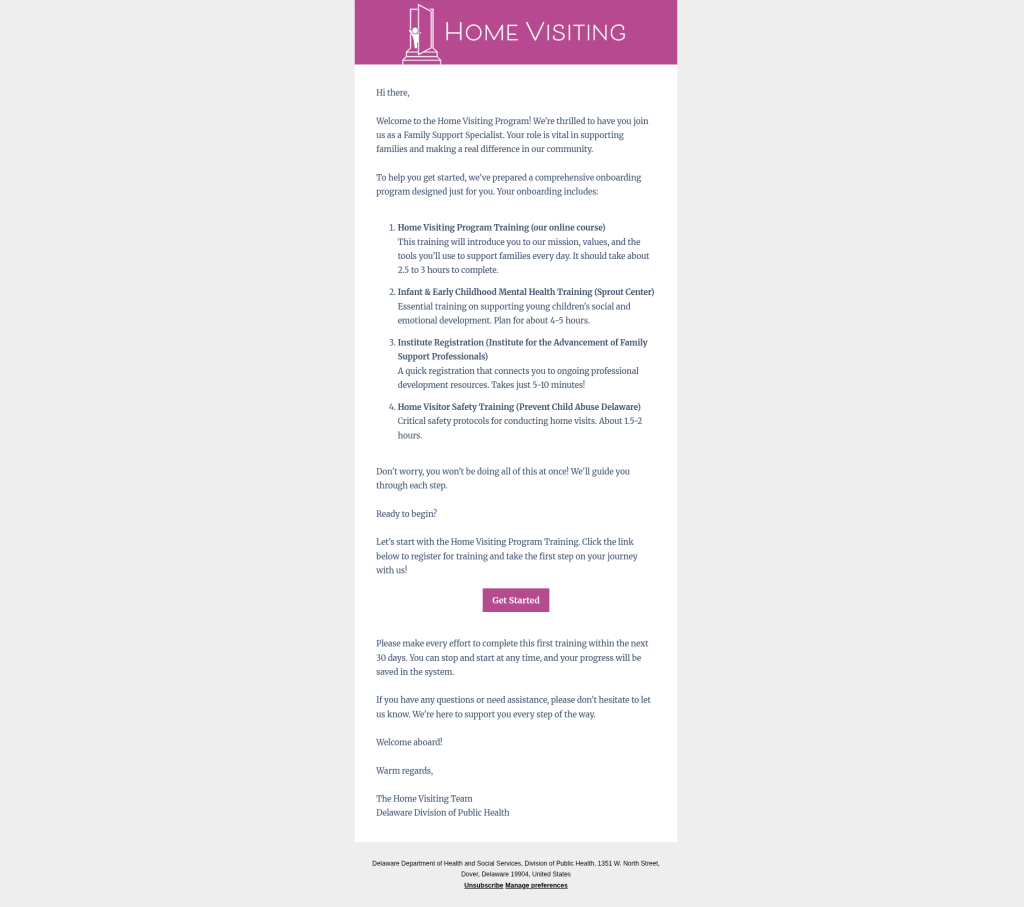
Email 1: Welcome & LMS Enrollment
Subject: Welcome to the Delaware Home Visiting Program!
HubSpot ID: 206308214072
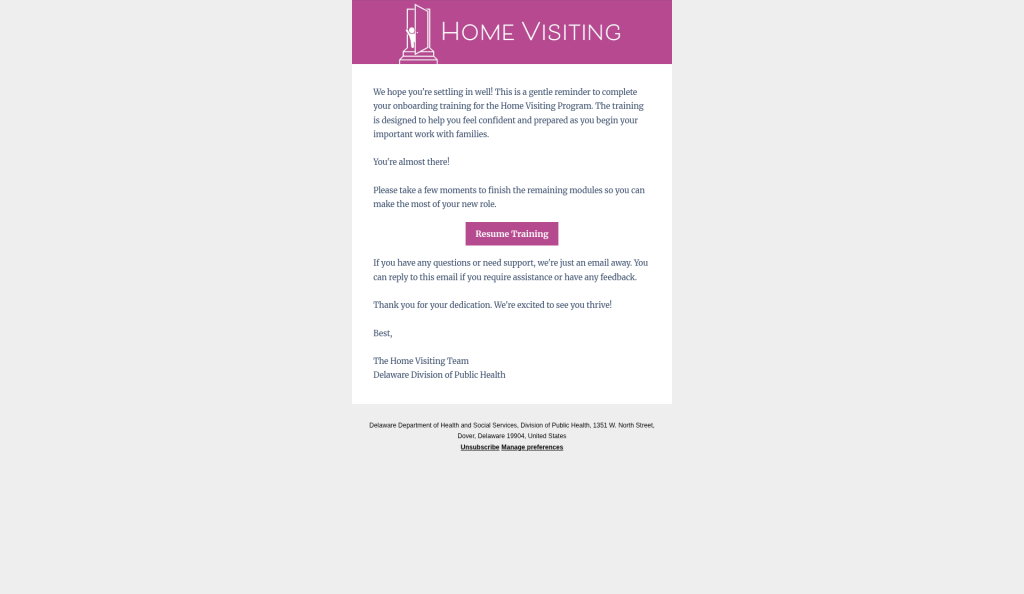
Email 2: LMS Progress Check-In
Subject: How's your training going?
ID: 206308218440 · Workflow: Email 2: LMS Progress Check-In
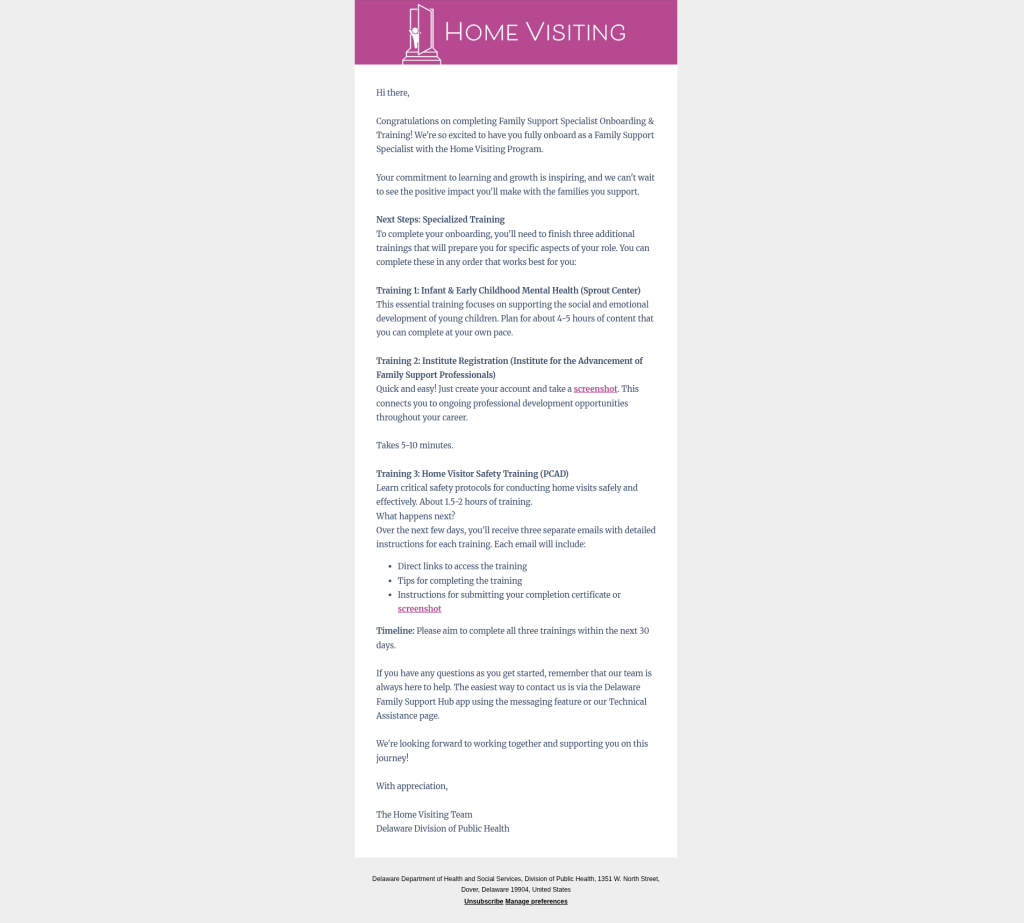
Email 3: LMS Completion + External Training Intro
Subject: Congratulations! Next steps in your onboarding journey
ID: 206308280504
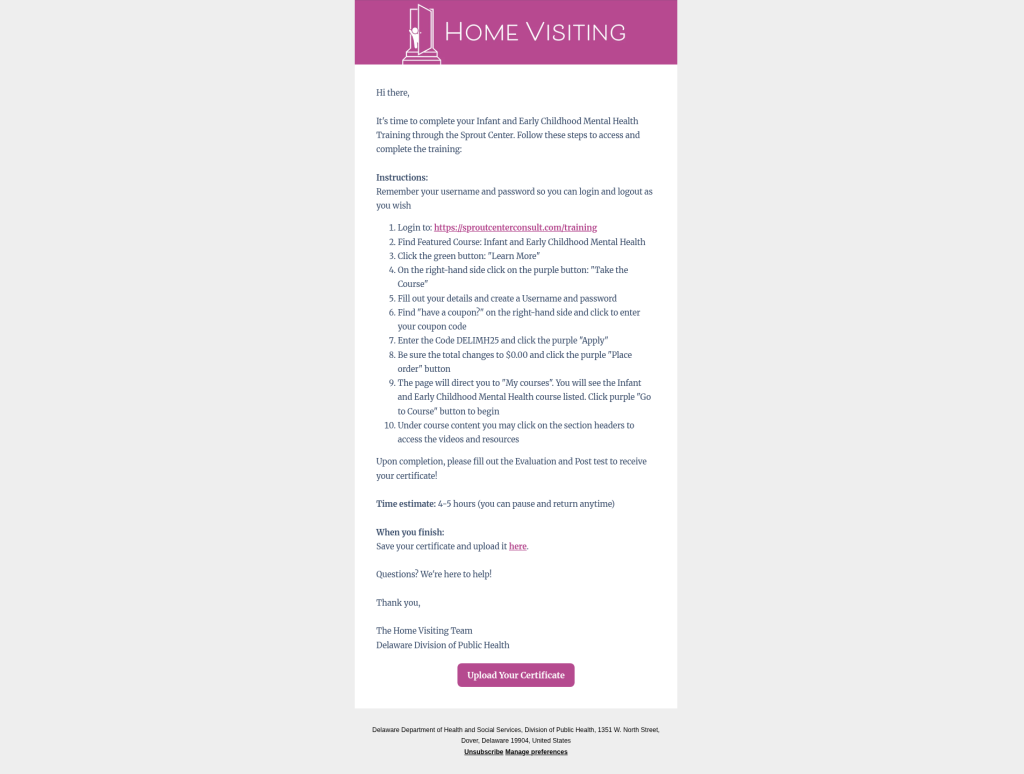
Email 4: Sprout
Subject: Training #1: Infant & Early Childhood Mental Health (Sprout Center)
ID: 206301542425
Email 5: Institute
Subject: Training #2: Quick Registration with the Institute (5 minutes!)
ID: 206308281643
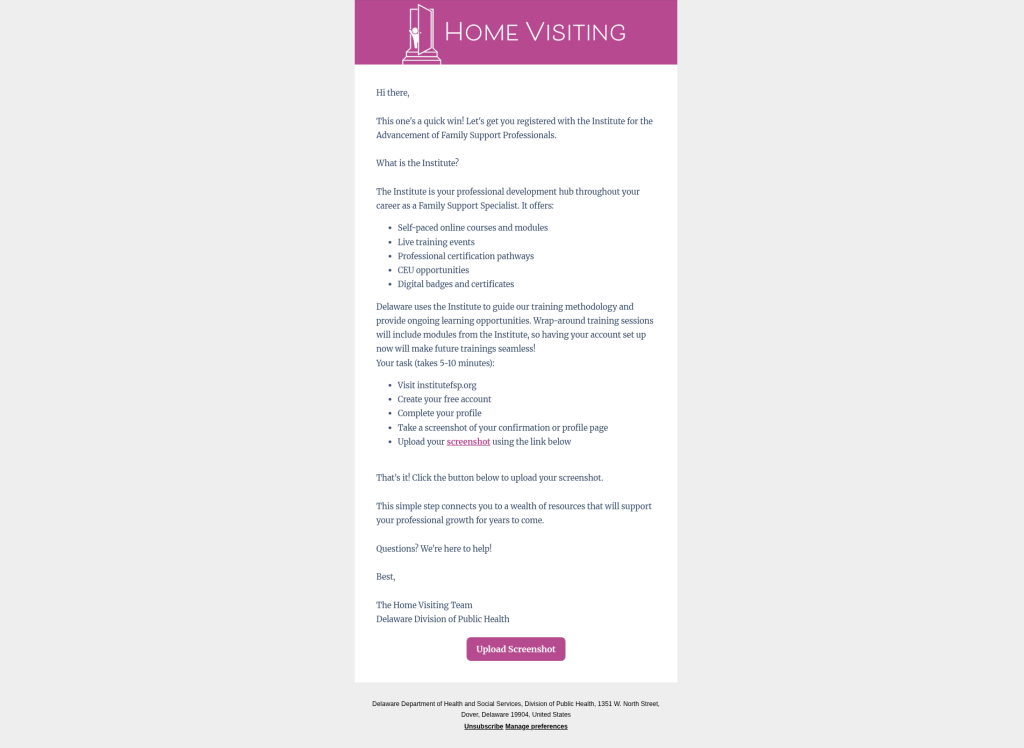
Email 6: PCAD Safety
Subject: Training #3: Home Visitor Safety Training (PCAD)
ID: 206308281915
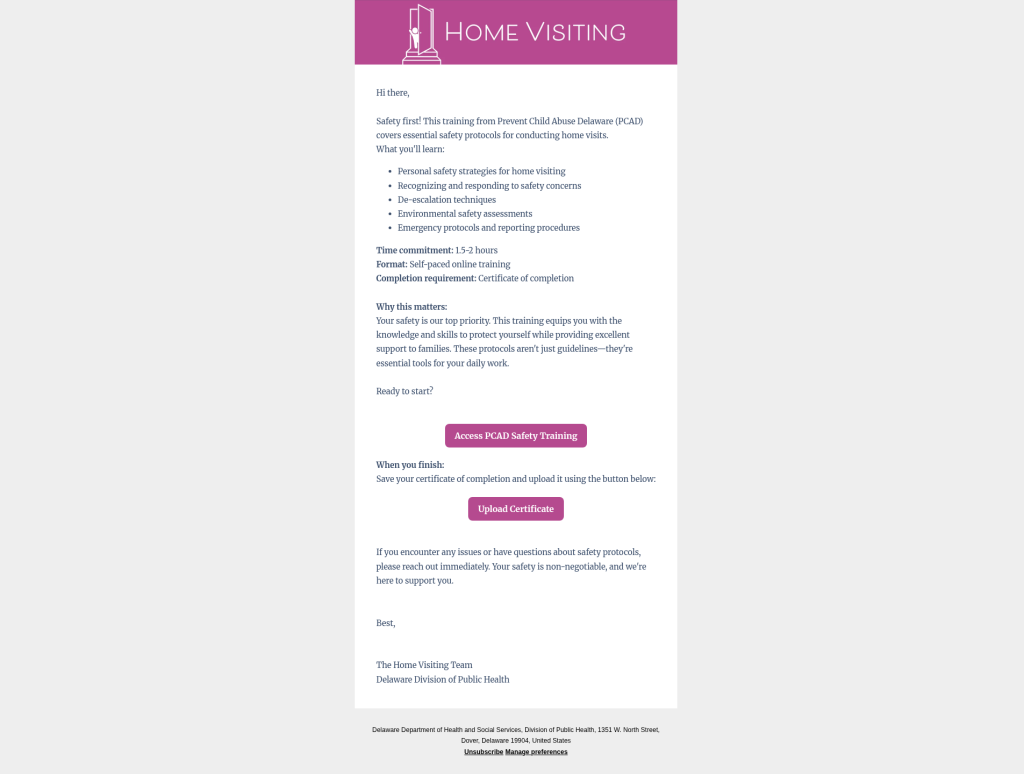
Email 7: Tips
Subject: Tips for managing your training workload
ID: 206308935785
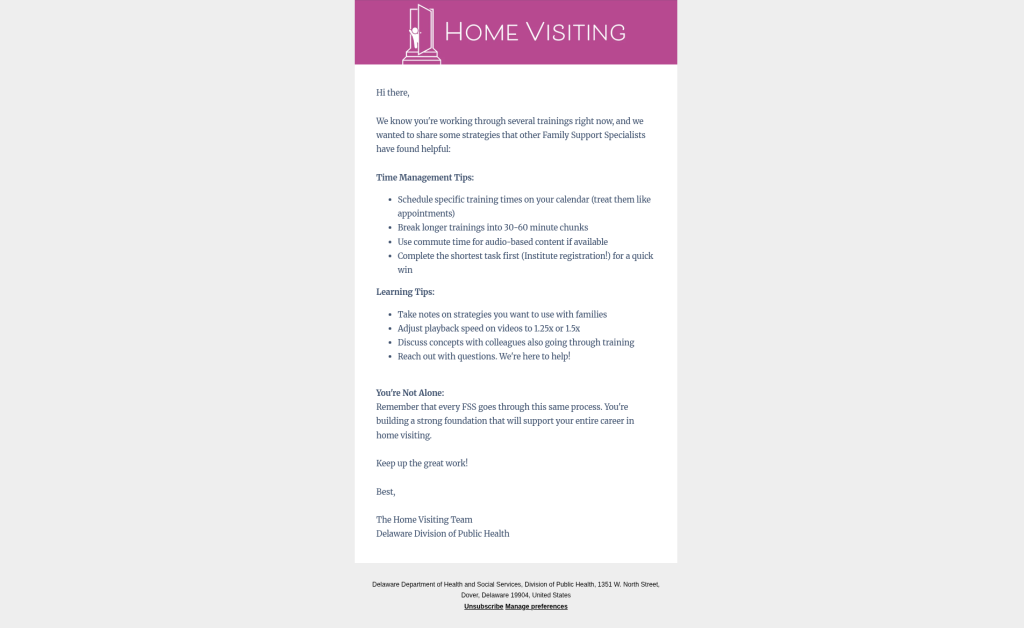
Email 8: Escalation (per open training)
Example subject: Important: Sprout training completion needed
ID: 206308939691 (Sprout version; Institute and PCAD versions also exist)
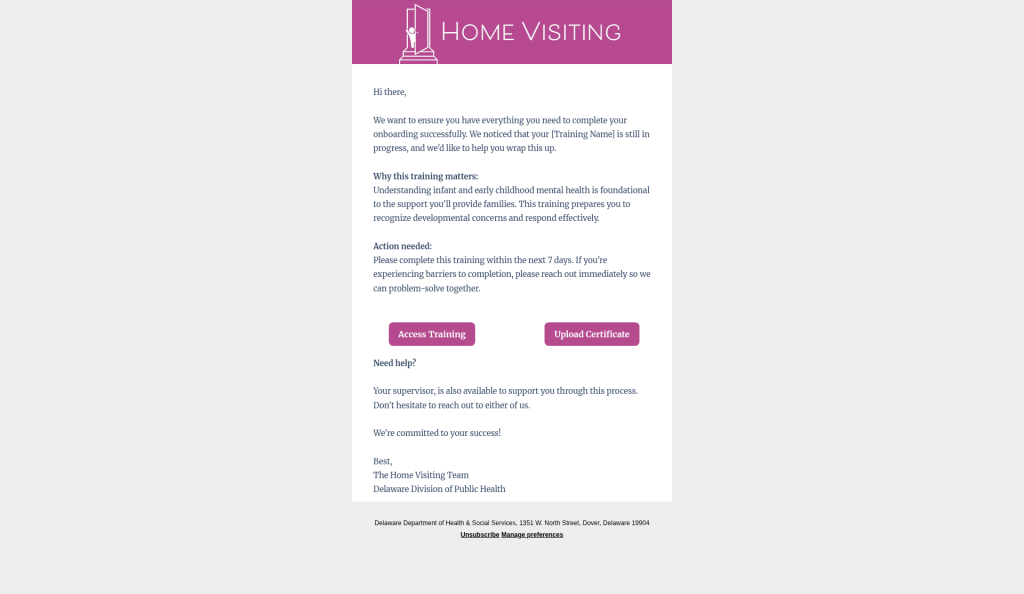
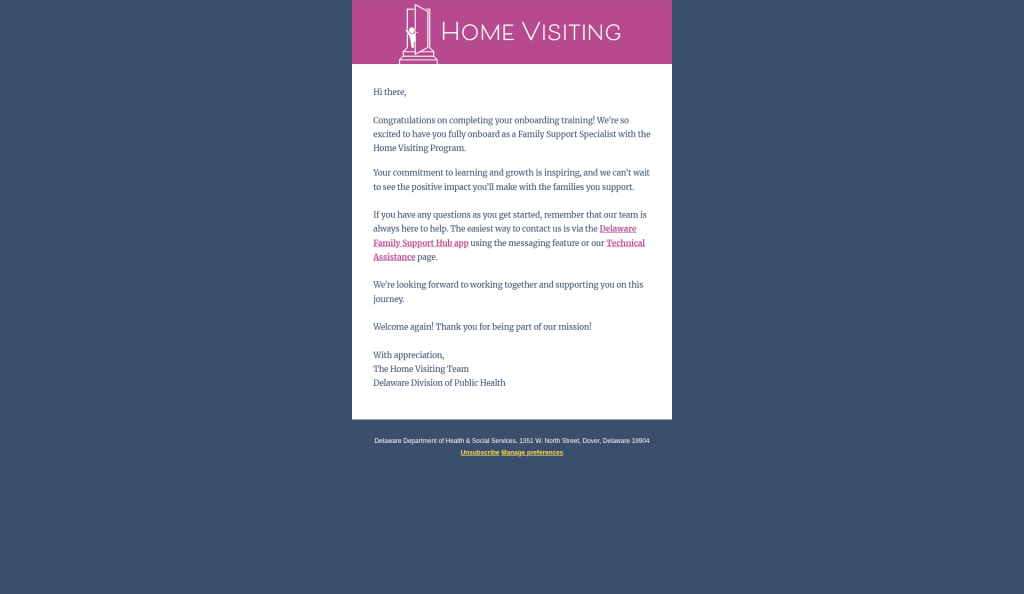
Completion
Subject: Congratulations on Completing Your Onboarding Training!
ID: 194301469574 (older HV Completion workflow). The newer “FSS Onboarding: Send Completed Email” workflow is currently OFF and has no send step.
Source Doc: https://docs.google.com/document/d/1_OW89jtShZWzjwZ3IFiSkaDMN-ic7sTO_TFvDenQHeU/edit
Troubleshooting
| Issue | What to check |
|---|---|
| No Email 1 | Form submitted? Correct email? Contact timeline for workflow enrollment |
| No Hub registration email | Spam; membership for defamilysupporthub.org |
| Supervisor can’t use Supervisor Portal | Contact Role must be Supervisor or Administrative Support (or Test Access) |
| Still shows as FSS after Supervisor invite | Change Contact Role after the form |
Quick links
- Form: https://share.hsforms.com/1KFyuYXZyR_2jpqTAgpIG9Acwfls
- Form automation: https://app.hubspot.com/forms/21668608/editor/285cae61-7672-47fd-a3a6-a4c0829206f4/edit/automation
- Knowledge Hub: https://defamilysupporthub.org/knowledge-hub
- Contact Management: https://defamilysupporthub.org/knowledge-hub/contact-management